LightWeave Ravel 1.0.4 New Features
Written by
Doug from Prismatic
Published on
November 16, 2026
Length
4 minute read

Announcements

LightWeave Ravel 1.0.4 New Features

LightWeave Ravel 1.0.4 is now out on the App Store and Google Play. This version includes several quality-of-life and functionality updates, including a new node editor so you can work with your entire project more easily, the ability to adjust the timing of the text and button elements on your scene, and a new way to add media from the Files app. Thank you everyone who has submitted feedback so far! It’s been very helpful (instrumental!) for us in releasing this update.

What is LightWeave Ravel?

Thanks for asking! LightWeave Ravel is an app for iPhone/iPad and Android that makes interactive video experiences. These are videos that give your audience the ability to choose what’s next from the options you provide instead of playing every scene in a linear order. You can make a lot of different types of interactive videos in Ravel, like visual novels, explainers, quizzes, and many more. Here’s a link to a short storybook we made so you can see what we’re all about.


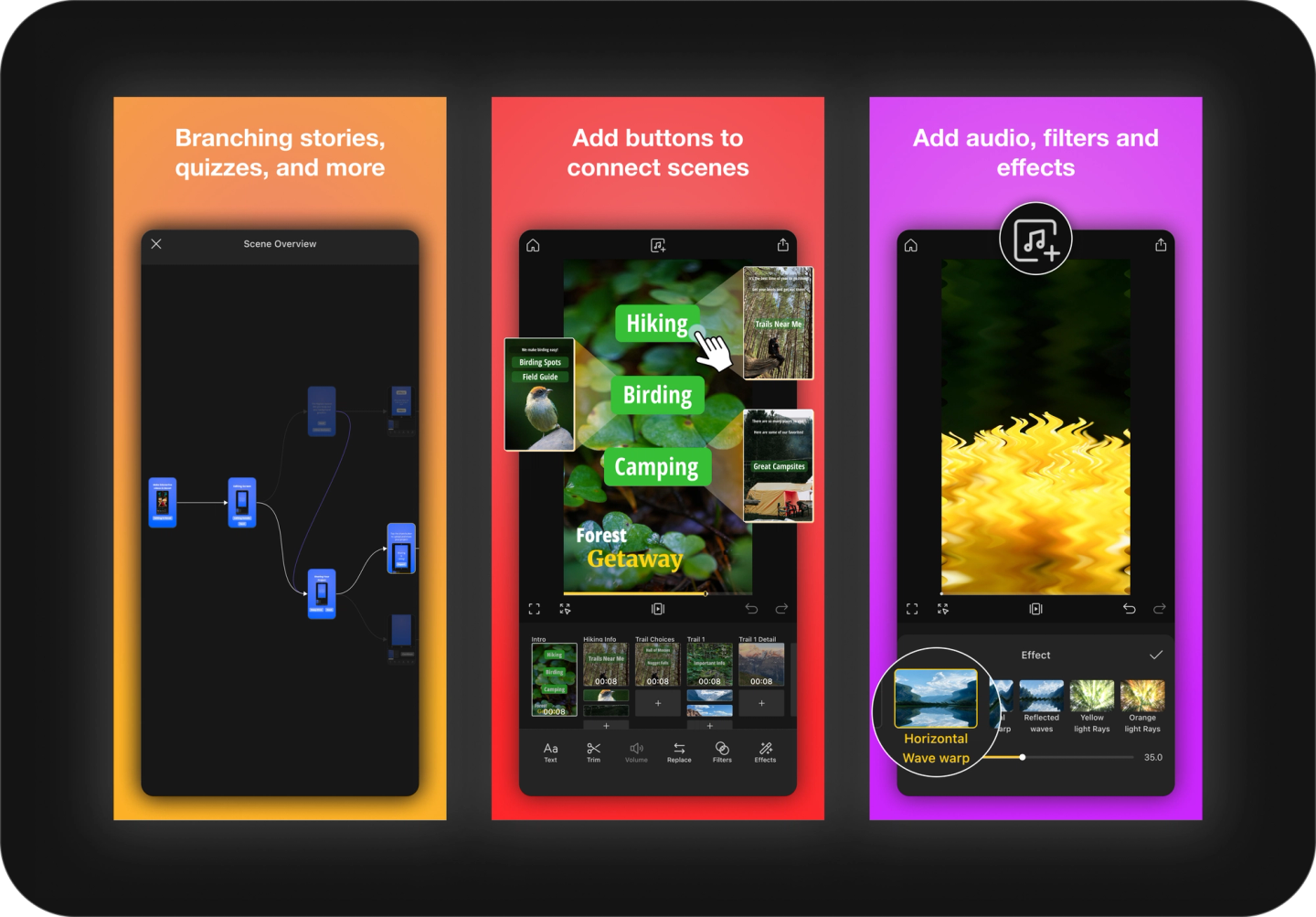
How does this actually work? When you create a visual novel, an explainer, a quiz, or any other type of interactive video in Ravel, your work is housed in a project. Projects are composed of scenes that you connect together to make paths for your viewers to follow. Scenes can contain images, video, and text, but most importantly, they contain buttons that let your viewers decide what they want to see next. You can link scenes together in any order, letting you create a widely branching narrative, or a simple loop. Once you’re ready to share, you can upload your interactive project to ravel.video, our video sharing website so the world (or just the people you share it with) can experience it!

What’s New in 1.0.4?

In Ravel 1.0.4, in addition to the usual bug fixes and changes, we have three major improvements: a new node editor, individual element timing controls, and access to add media right from the Files app.

A New Node Editor


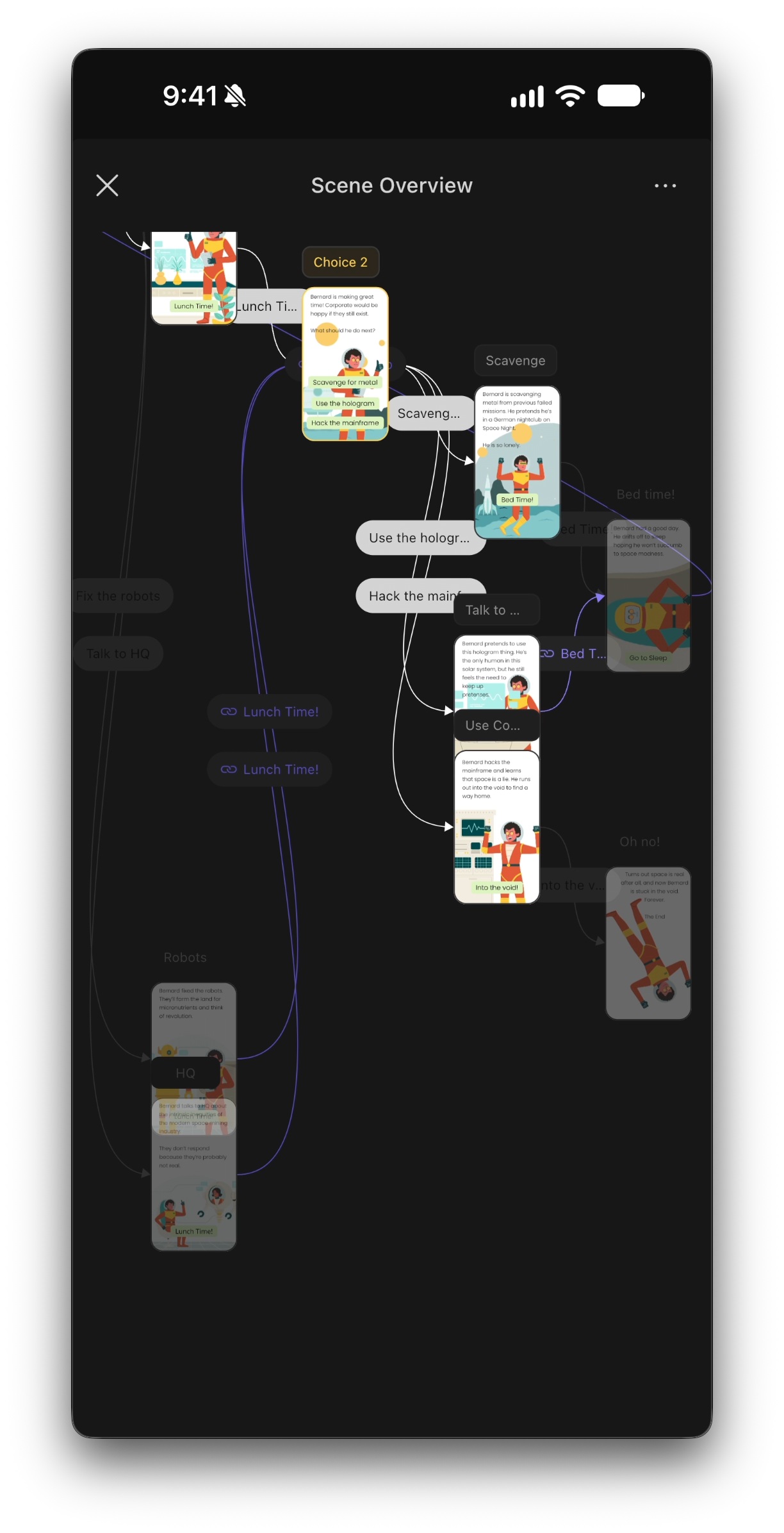
The node editor provides an overview of your project, showing you all of the scenes and the connections between them. Our new node editor is a significant improvement, allowing you to arrange the scenes as you see fit by dragging on them. Zoom in to see the scene labels, and tap on any of them directly to rename it. You can also change the shape of the nodes by tapping on the three dots at the top right of the screen and choosing the shape you’d like.

Individual Element Timing


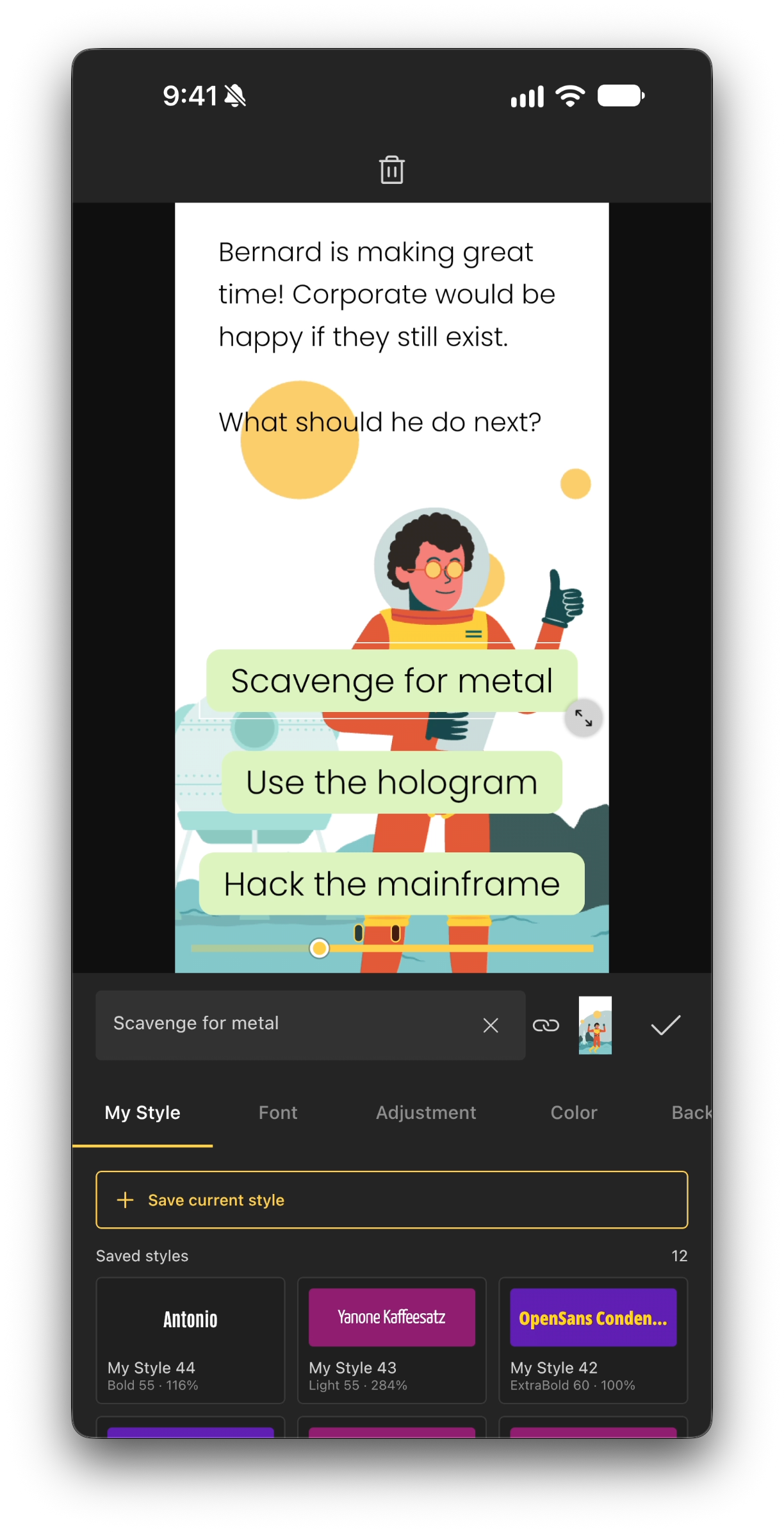
You can change when buttons and text appear and disappear by adjusting their timing. Tap on any element in the preview, and drag the left yellow and white handle on the timeline at the bottom of the preview area to change when a layer should appear, and the right handle to determine when it should disappear. The black ovals with yellow trim show where other elements on the same scene appear, so you can time the current element based on all of the other ones.

This is great for making text and buttons appear in a cascade, so people can take the time to read each one, or even for making simple quicktime-style events!

One thing though, it’s not possible to adjust the end time of interactive buttons, as they have to stay until the end of the scene to allow viewers to proceed to the next scene.

Files App Access

Previously, we only provided access to sample media, the camera app, and the media gallery on your device. Now, we have added access to the Files app as well! It’s now much easier to set up a media folder for your project, making things easier and quicker to find.

Let us know what you think!

As we always say, we want to make apps that you want to use. If you want to make an interactive video, or are at least interested in it, give Ravel a try! If you like it, or equally importantly if you don't like it, tap the ❓ icon at the top left of the Home menu in Ravel to contact our support team or join our Discord server and let us know any feedback and thoughts you have. This may include what you tried to do, what didn’t work for you, and what you think might have helped. If something felt wrong to you, it likely did to a lot of other people as well… and we’d love to hear from you! (We’re friendly!)


We need your help.

We believe in a better future for content and content creators. That’s why we’re building a new technology, LightWeave, to make it easier for everyone to create intelligent content. We believe in building this technology in cooperation with the community and we deeply value our conversations together.

If you’re interested in learning more about intelligent content, and would like to join our user community, click the blue button to get more information.

LightWeave