lightweave.com Who can see my Ravel interactive video?
Written by
Sherina from Prismatic
Published on
August 12, 2025
Once you’ve finished creating your interactive video, it’s now time to share it with others! Here’s how you can do it:
- Tap the Share button on the top-right corner of your screen.
- Choose your sharing option. You’ll see the following options:
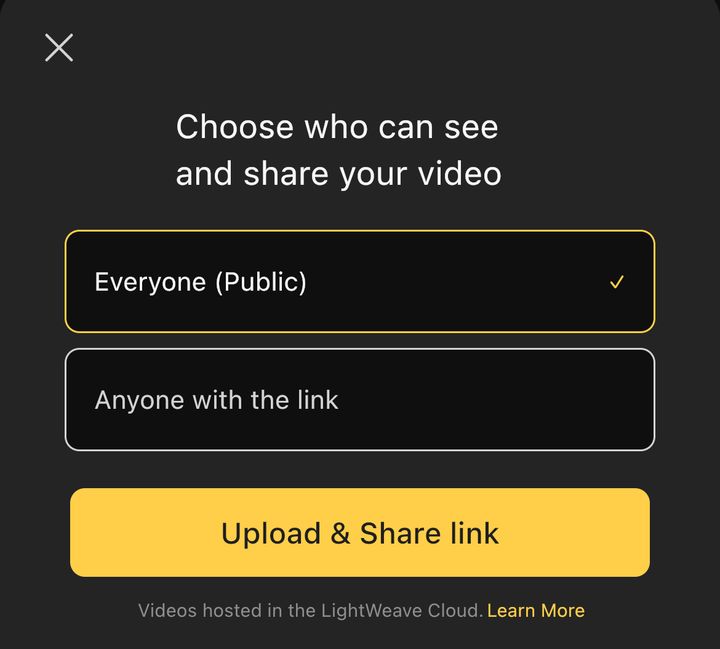
- Everyone (Public): Selecting this option makes your video publicly available. This means your video can be seen and shared by anyone, and it may also appear in places like our recommended videos.
- Anyone with the link: If you choose this option, your video can only be seen and shared by anyone with the link. It won’t appear in our recommended videos.
3. Tap Upload & Share Link to upload your video.
After choosing a sharing option, tap Upload & Share Link to start the upload.
Once it’s complete, you’ll receive a shareable link that you can share with your friends and audience.
Your video will be hosted on Ravel's cloud service, and can be viewed through our web player.
